
General
Share the hosted chat, embed it on your site, and manage its gateway key
Every app can have a chat: a hosted assistant, called NitroChat, that answers people by using your MCP server's tools, prompts, and resources. Open an app and click Chat to manage it. The Chat menu on the left has a page for each part of the chat, and Back to Workspace returns to your organization.
General is the first page. It's where you find the chat's address, check that it's healthy, and get the code to put it on your website.
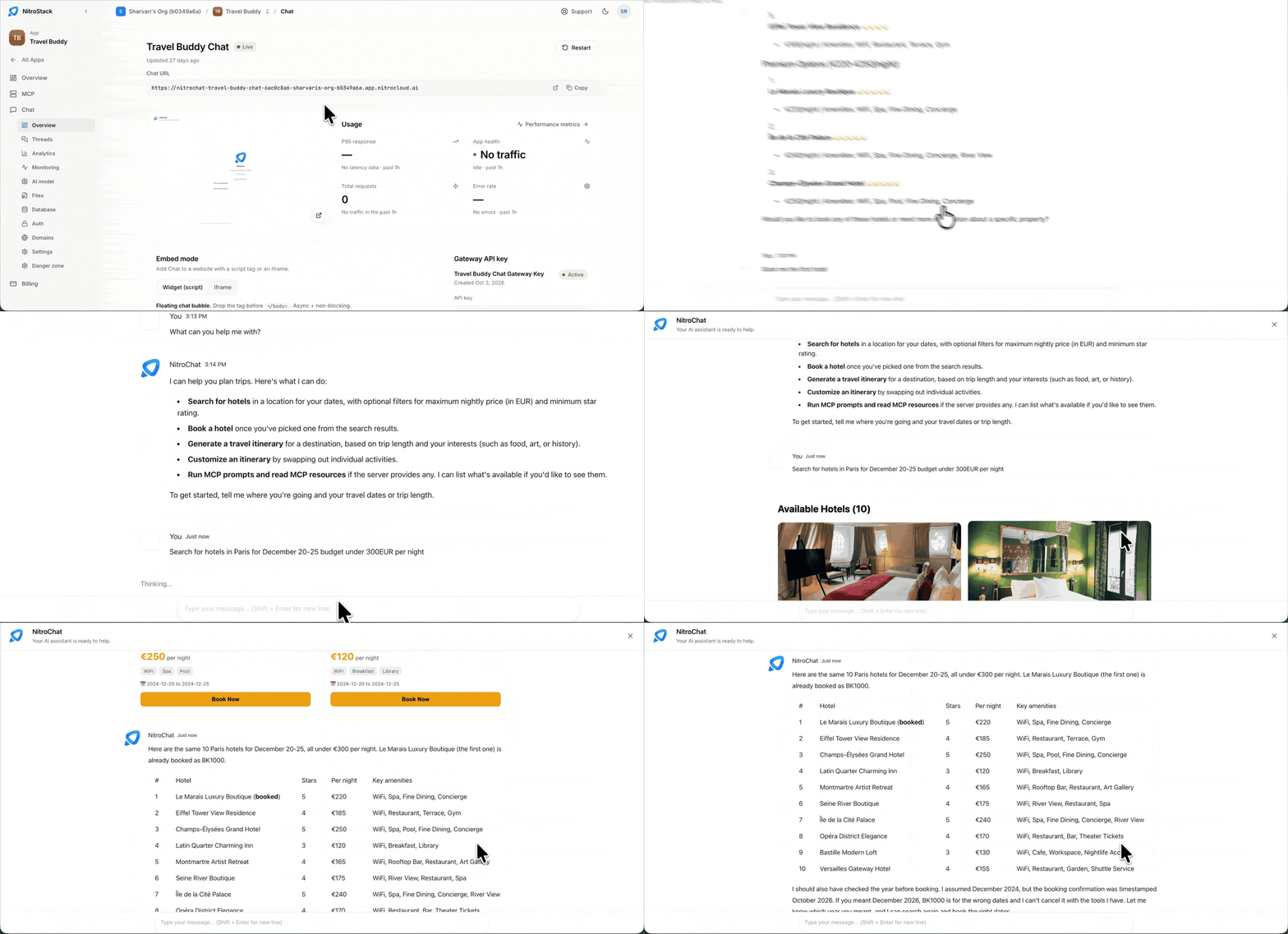
The chat at a glance
The banner at the top names the app the chat belongs to; Open App takes you to it. Below it you see the chat's name, a Live badge while it's running, and when it was last updated. Restart restarts the chat.
Chat URL is the chat's public address, in the form https://nitrochat-<chat-name>-<id>-<organization>.app.nitrocloud.ai. Copy it to share the chat, or open it in a new tab. The preview beside it shows the chat as visitors see it.
Usage summarizes the past hour:
| Card | What it shows |
|---|---|
| P95 response | The response time 95% of requests stay under. |
| App health | Whether the chat is serving traffic, or idle with No traffic. |
| Total requests | How many requests the chat received. |
| Error rate | The share of requests that failed. |
Performance metrics opens the full charts on Monitoring.
Opening the chat URL shows NitroChat, with suggested questions to start from.
Restart the chat
Restart recycles the chat's process. It doesn't redeploy your MCP server, and it doesn't clear any threads. Use it when the chat stops responding, or after a change that needs a fresh start.
Embed it on your site
Embed mode gives you the code to add the chat to a website, as a script tag or an iframe.
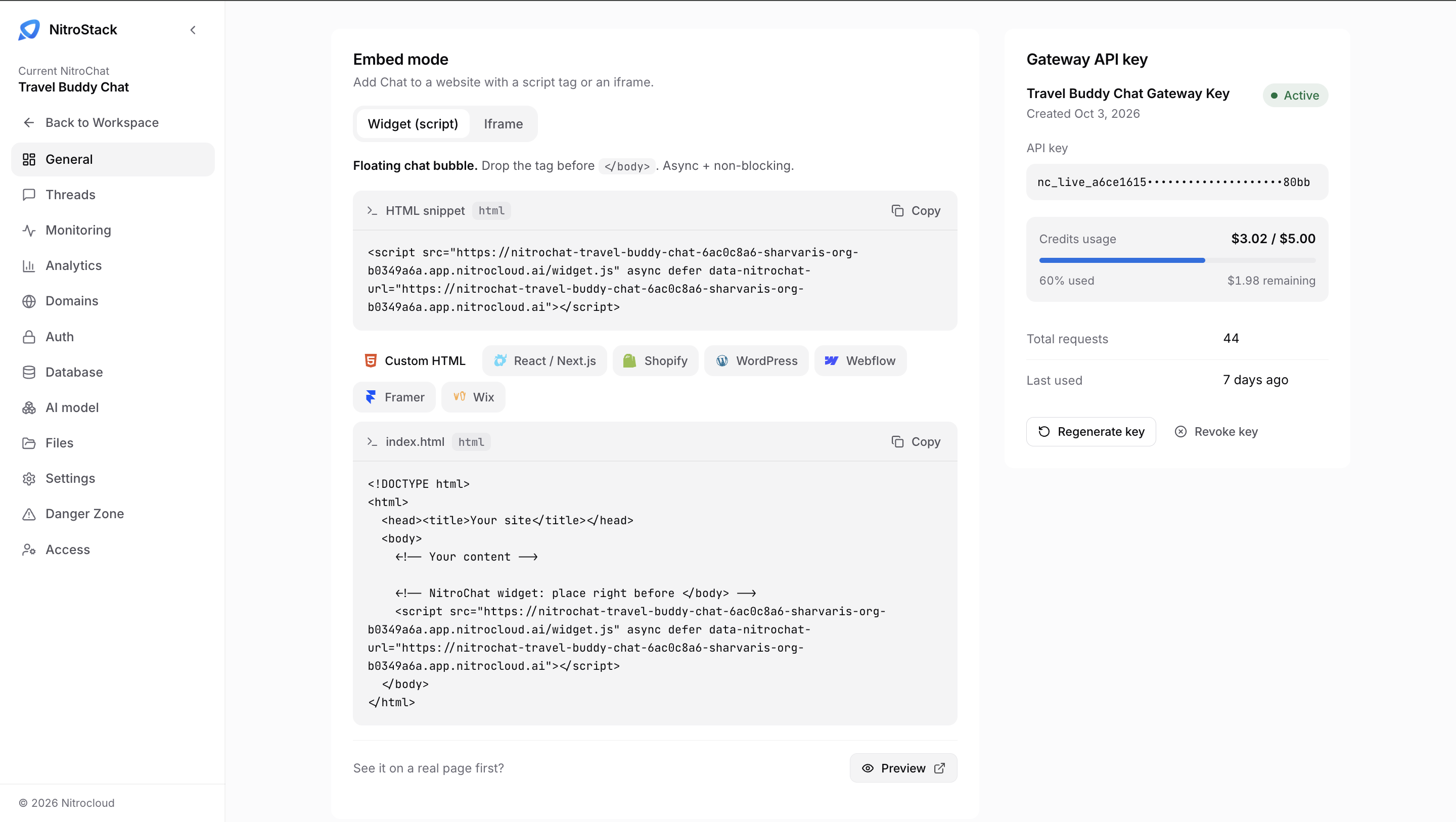
Widget (script) adds a floating chat bubble to every page that includes it. Put the tag just before </body>; it loads with async and defer, so it doesn't block the page:
<script
  src="https://<your-chat-url>/widget.js"
  async
  defer
  data-nitrochat-url="https://<your-chat-url>"
></script>
Copy the real snippet from the page, since it already contains your chat URL. Iframe embeds the chat inside your page instead of floating over it.
Below the snippet, pick where your site is built: Custom HTML, React / Next.js, Shopify, WordPress, Webflow, Framer, or Wix. The code underneath changes to show where the tag goes on that platform; for Custom HTML it's a complete index.html. To see it working before you change your site, click Preview next to See it on a real page first?
Gateway API key
Each chat has its own Gateway API key: the key the running chat uses to call the platform. It isn't an organization API key, and it isn't an API access token.
The panel shows the key's name and status (Active), when it was created, and the key itself, masked except for its first and last characters. Chat gateway keys start with nc_live_. Credits usage shows how much of the key's credit limit has been spent, as an amount, a percentage, and what's remaining; top up on NitroChat usage. Below it are the key's Total requests and when it was Last used.
- Regenerate key issues a new secret and invalidates the old one. The hosted chat picks up the new key by itself. If you copied the old key into your own backend, update that copy.
- Revoke key turns the key off. The chat can't call the platform again until you regenerate a key.
Next steps
Threads
Read conversations and see how tools perform.
Settings
Theme, branding, and the linked MCP server.
MCP overview
The server behind the chat.
Watch the video
Check out the video for a walkthrough of everything on this page.