
AppsMCP
Settings
Name, slug, description, and deleting the server
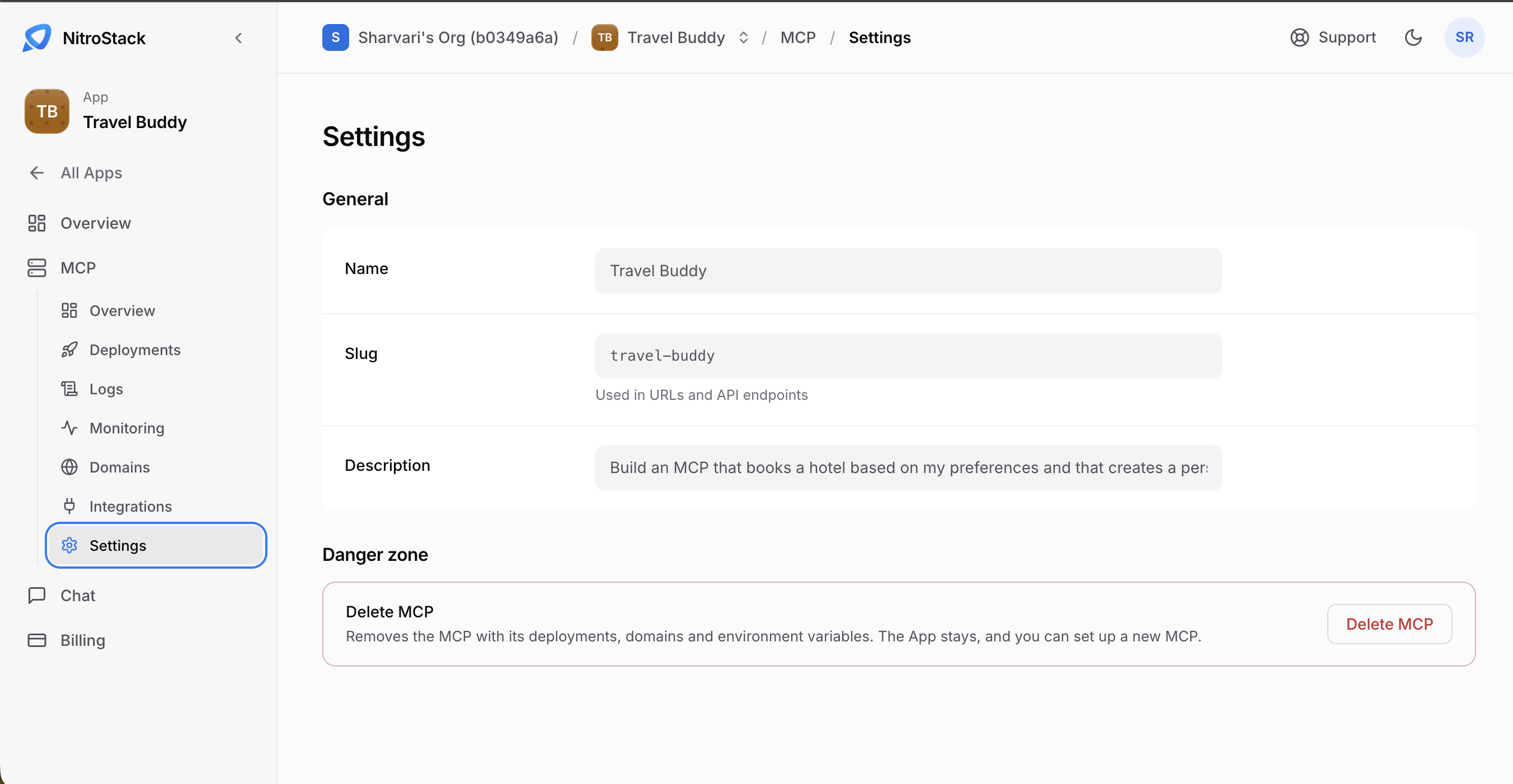
Settings, in the MCP menu, holds the server's name, slug, and description, and the option to delete it. Only owners and admins can change these.
General
| Field | What it's for |
|---|---|
| Name | The server's label in the console. |
| Slug | Part of the server's public MCP URL. |
| Description | Shown on the app overview. |
Changing the slug changes the URL
Saving a new slug changes the MCP endpoint. Clients that still use the old URL stop connecting until you update them, so change it before you share the server, or update every client right after.
Delete the server
Delete MCP, in the Danger zone, removes this server with its deployments, domains, and environment variables. Confirm in the dialog; you can't undo it.
The app and its chat stay, so you can deploy a new server into the same app.