
Integrations
Connect GitHub to deploy on every push
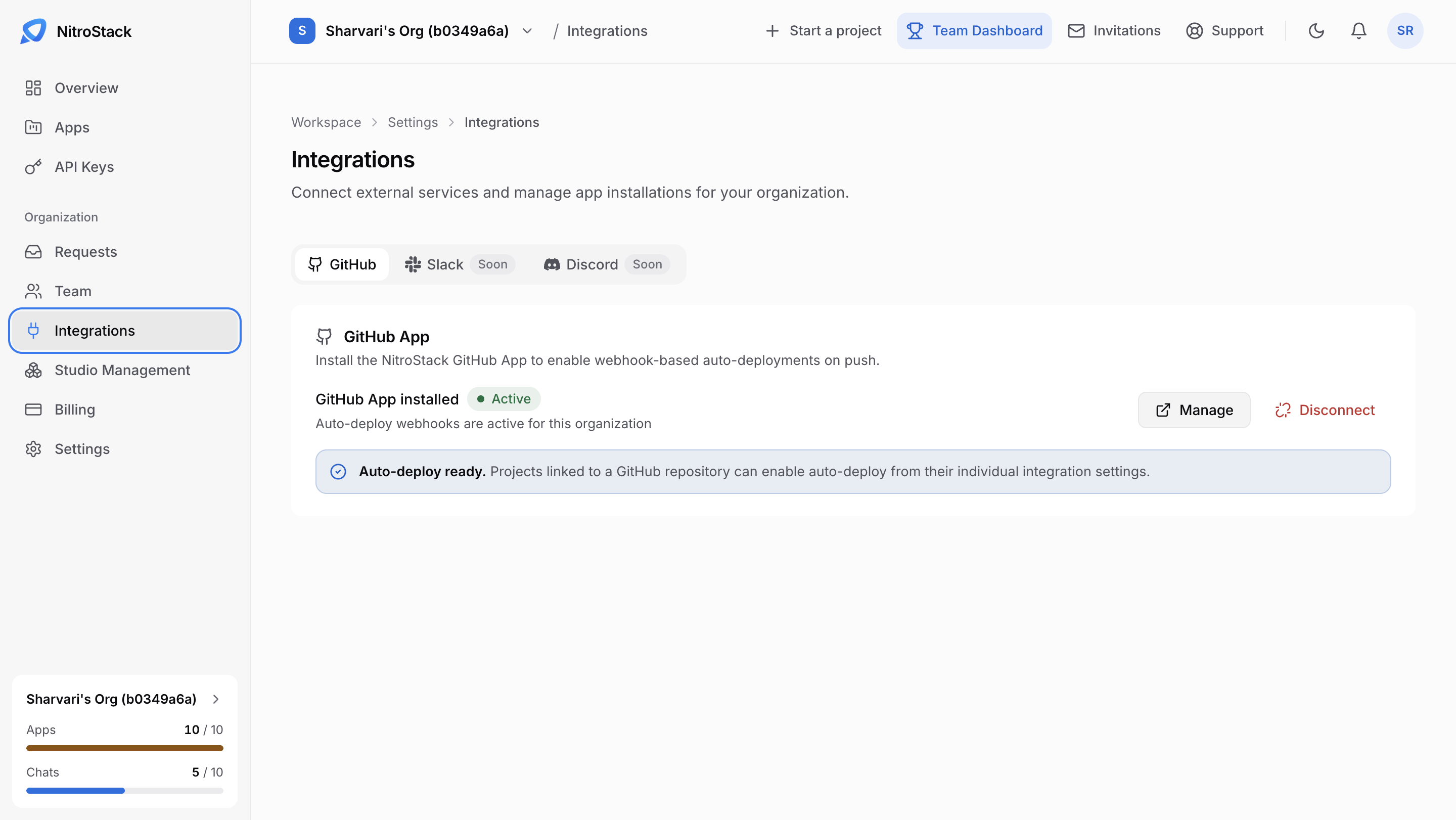
Integrations connects outside services to your organization. GitHub is available now; Slack and Discord are coming soon.
GitHub
Install the NitroStack GitHub App to deploy automatically when you push. Once it's installed, the page shows GitHub App installed with an Active badge, and auto-deploy webhooks are active for the organization.
- Manage opens the GitHub App's settings.
- Disconnect removes the app from the organization.
When the app is installed, the page also shows Auto-deploy ready: projects linked to a GitHub repository can turn on auto-deploy from their own integration settings.
Installing the app makes auto-deploy available. Turn it on for each app by linking a repository in that app's Deployments page.
Slack and Discord
Both are marked Soon and aren't available yet.