
Billing
Payment methods and invoices for your organization
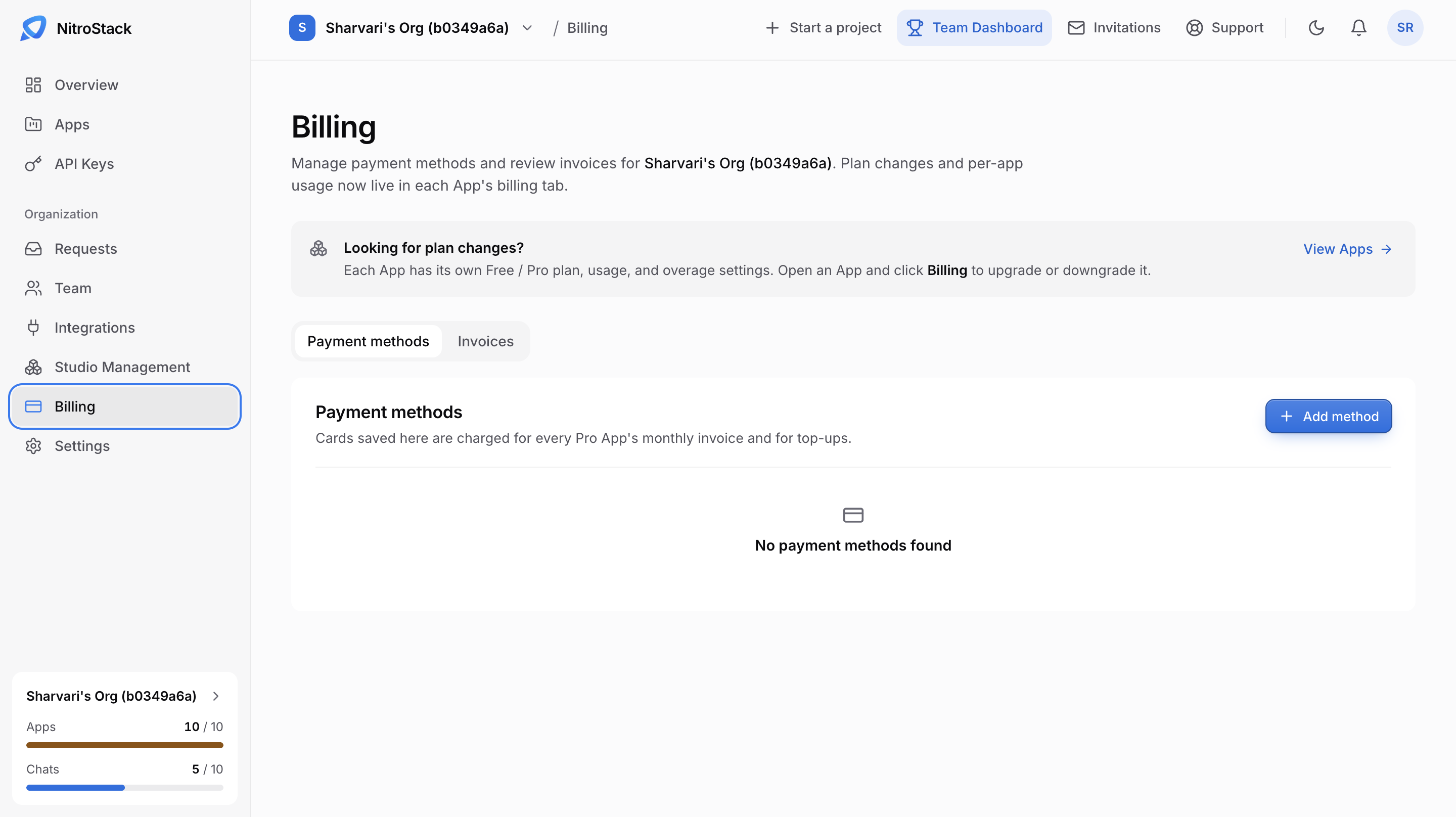
Billing holds your organization's payment methods and invoices. Plans are set per app: each app has its own Free or Pro plan, usage, and overage settings, which you change from the app's Billing tab. View Apps takes you there.
Payment methods
Cards saved under Payment methods pay for every Pro app's monthly invoice and for top-ups. Click Add method to add a card.
Invoices
The Invoices tab lists past invoices, including per-app subscriptions and top-ups. Use the filter on the right to narrow the list.
What this page doesn't bill
Two kinds of charge are managed elsewhere, though they're paid with the cards saved here:
- App plans. Upgrading, downgrading, and extra requests are set on each app's Billing page.
- Credit top-ups. Studio tokens and NitroChat credits are topped up on Usage. Both screens can also top up automatically when the balance falls below an amount you choose.
Because every one of those charges uses a saved card, add your card here first.