
Settings
Your organization's name, description, and security settings
Settings holds your organization's name and its security options.
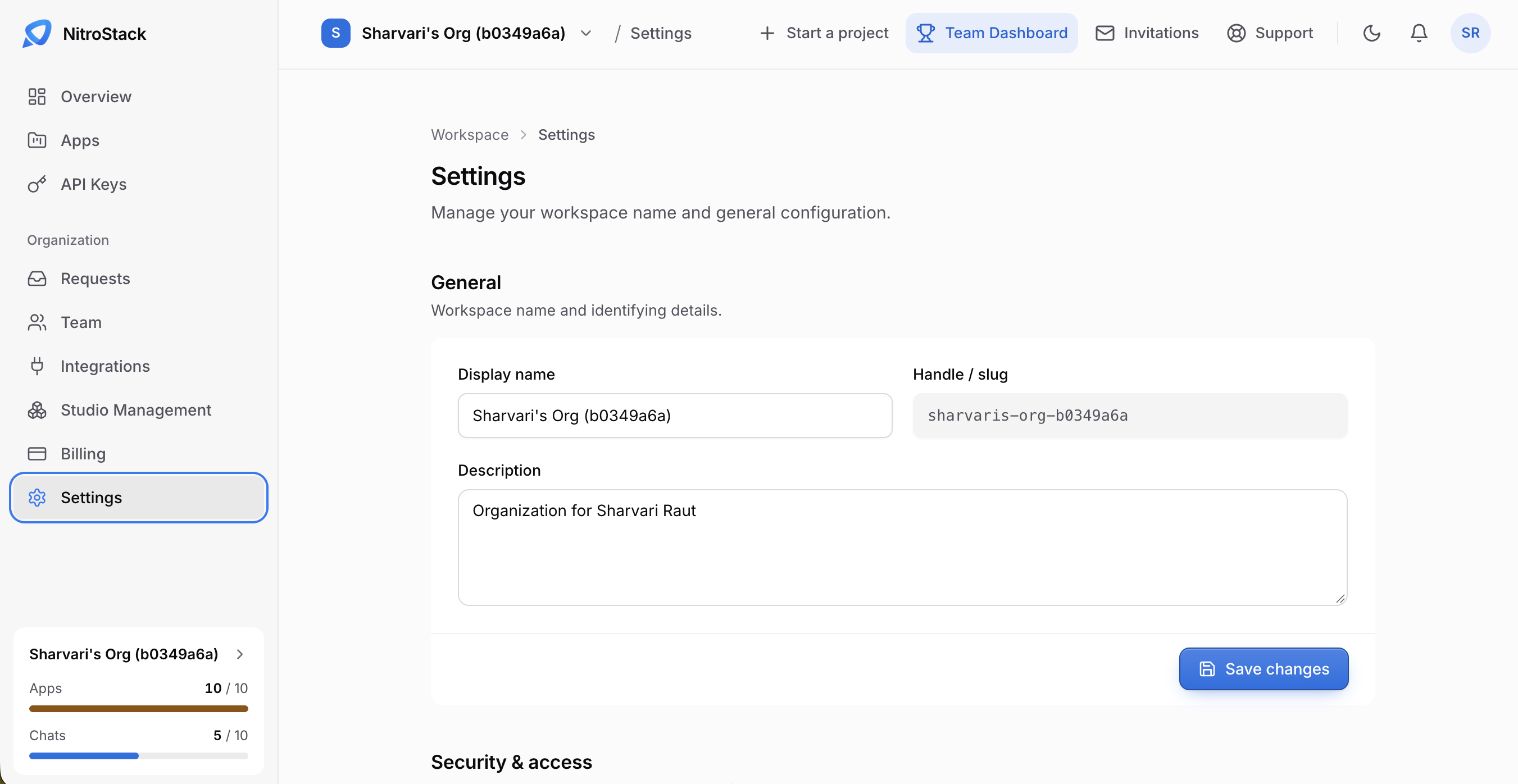
General
- Display name is the name shown across NitroCloud.
- Handle / slug identifies the organization in URLs.
- Description says what the organization is for.
Click Save changes after editing.
Security and access
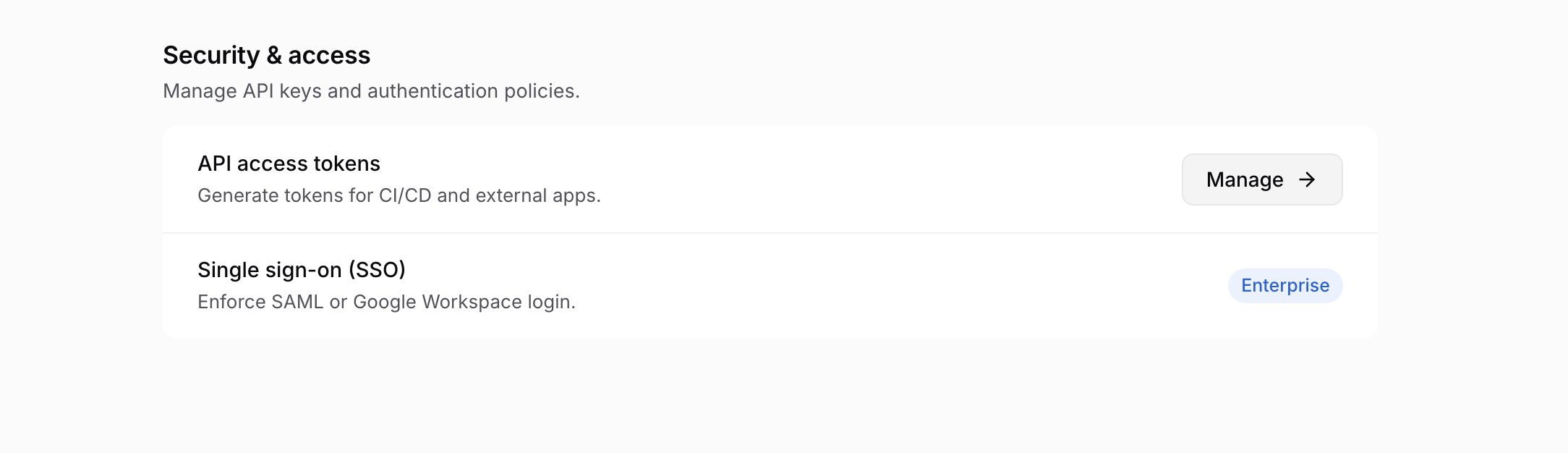
API access tokens
API access tokens are for CI pipelines and other programs that call the NitroCloud API. Click Manage to open the list of tokens and create one. You see a token's value once, when you create it, so store it in your CI's secret store straight away.
These aren't the keys that sign in NitroStudio; those are created on API keys. Treat both as secrets.
Single sign-on (SSO)
Single sign-on (SSO) is marked Enterprise, and can't be configured on the Free or Pro plans. When it's on for an Enterprise organization, members must sign in with SAML or Google Workspace. There's no setup form on this page.