
AppsMCP
Logs
Read everything your deployed server writes
Logs, in the app's MCP menu, shows everything your server writes, with a time, a level, and a source for each line.
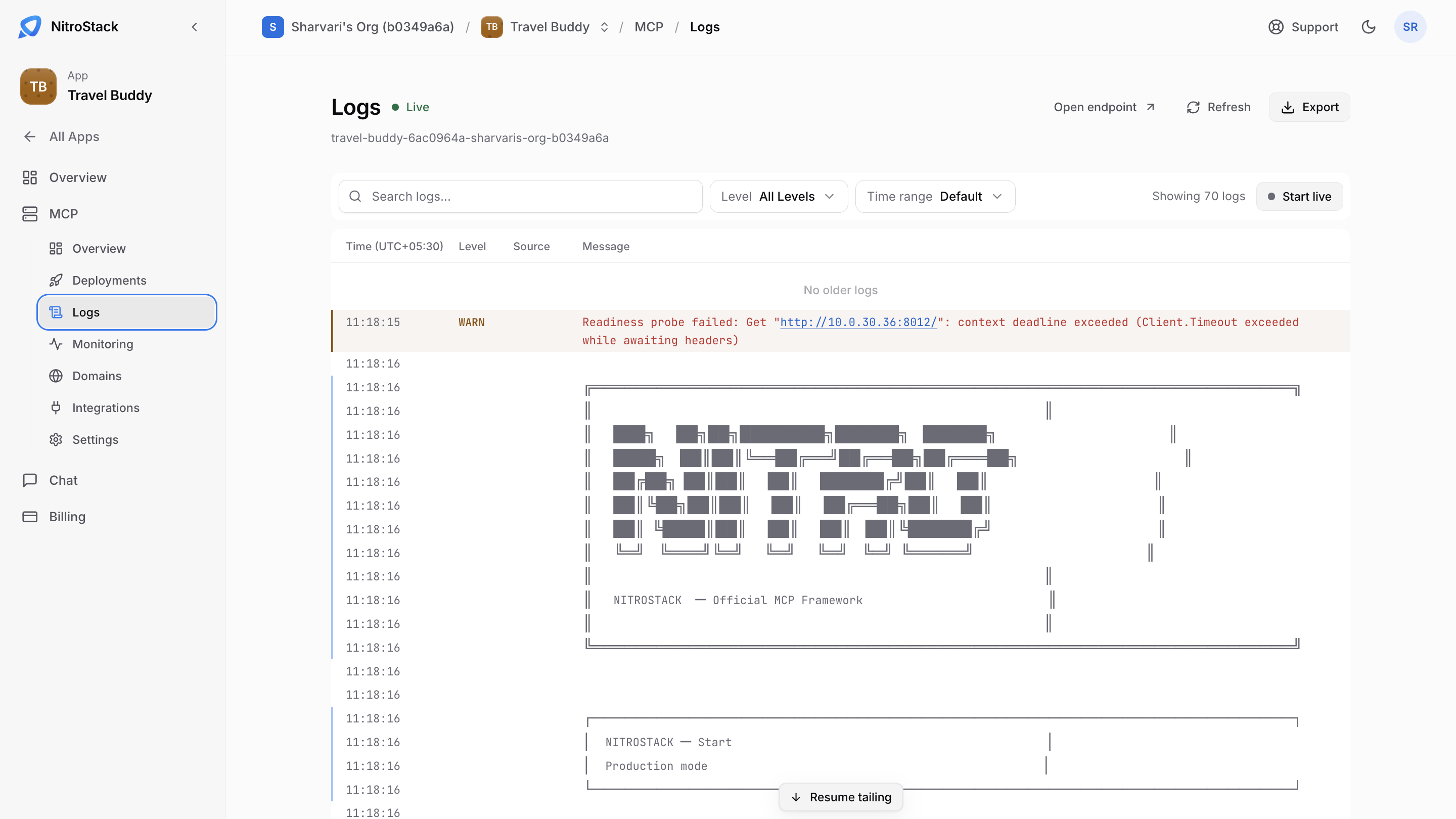
- Search logs finds lines that contain some text.
- Level shows only Info, Warning, Error, or Debug lines.
- Time range picks how far back to look.
- Start live follows new lines as they arrive.
- Export downloads the lines, and Open endpoint opens your server.
The log includes everything the server prints when it starts, such as the NitroStack banner and the Production mode notice, and messages from the platform, such as a WARN line when a readiness probe times out while the server is still starting. The count next to the filters says how many lines are shown. If you scroll up while live, Resume tailing takes you back to the newest line.