
Domains
Serve the chat from a hostname you own
Every chat gets a NitroCloud address ending in .app.nitrocloud.ai, shown on General. Domains, in the Chat menu, lets you serve the same chat from a hostname you own, such as chat.example.com. It works the same way as MCP domains, for the chat's hostname only.
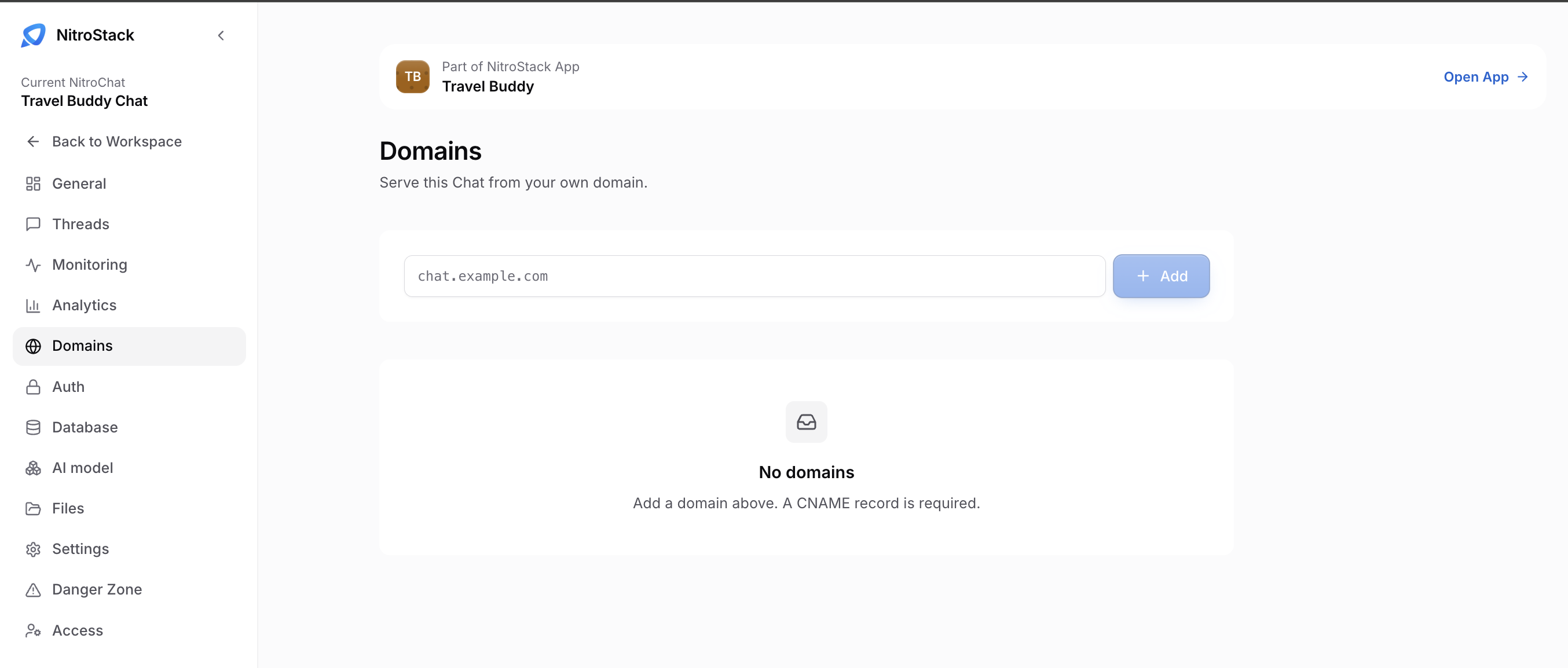
Add a domain
Enter the hostname
Type the hostname, such as chat.example.com, and click Add. Use a subdomain rather than your root domain.
Add the CNAME record
At your DNS host, create a CNAME record from that hostname to the target shown on the new row.
Wait for Valid
NitroCloud checks the record on its own, or you can click verify on the row. DNS changes can take up to 48 hours to be seen everywhere.
The status on the row tells you where it stands: Pending DNS means the record isn't visible yet, Verifying means the certificate is being issued, Valid means the chat is live on the hostname, and Error means the record doesn't match the target. See Domain status for what to do in each case.
Update your embeds
The default chat URL keeps working after the custom domain is valid. Embed snippets that use the default URL don't switch over by themselves: if your website should load the chat from the new hostname, copy a fresh snippet from General.
Remove a domain
Remove a domain from its row when you retire the hostname.