
AppsNitroStack Chat
Analytics
Messages, active users, session length, and popular prompts for the chat
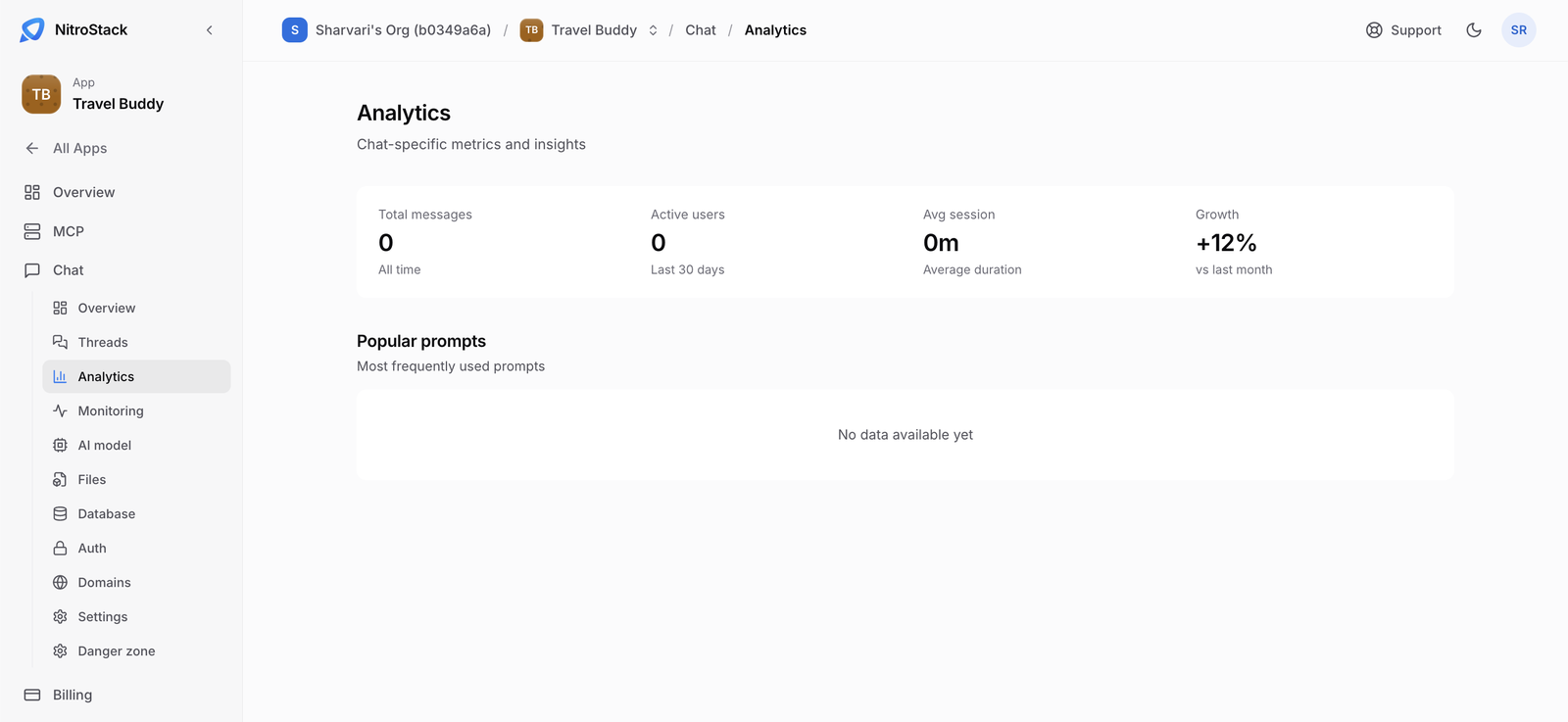
Analytics, in the Chat menu, summarizes how people use the chat.
Not connected yet
The Analytics numbers aren't wired to live data yet, so the page currently shows zeros. Until it is connected, use Threads for operational analytics and Monitoring for latency and errors.
What it shows
| Measure | What it counts |
|---|---|
| Total messages | Every message the chat has handled, all time. |
| Active users | People who used the chat in the last 30 days. |
| Avg session | The mean length of a session. |
| Growth | The change versus last month. This is a placeholder for now and isn't calculated from real data. |
| Popular prompts | The prompts used most often. When there are none yet, it shows No data available yet. |
Who can open it
Members with read access to the chat can open Analytics. Anyone else sees a permission error.