
AppsNitroStack Chat
Danger zone
Delete the chat
Danger Zone, in the Chat menu, has one action: Delete Chat.
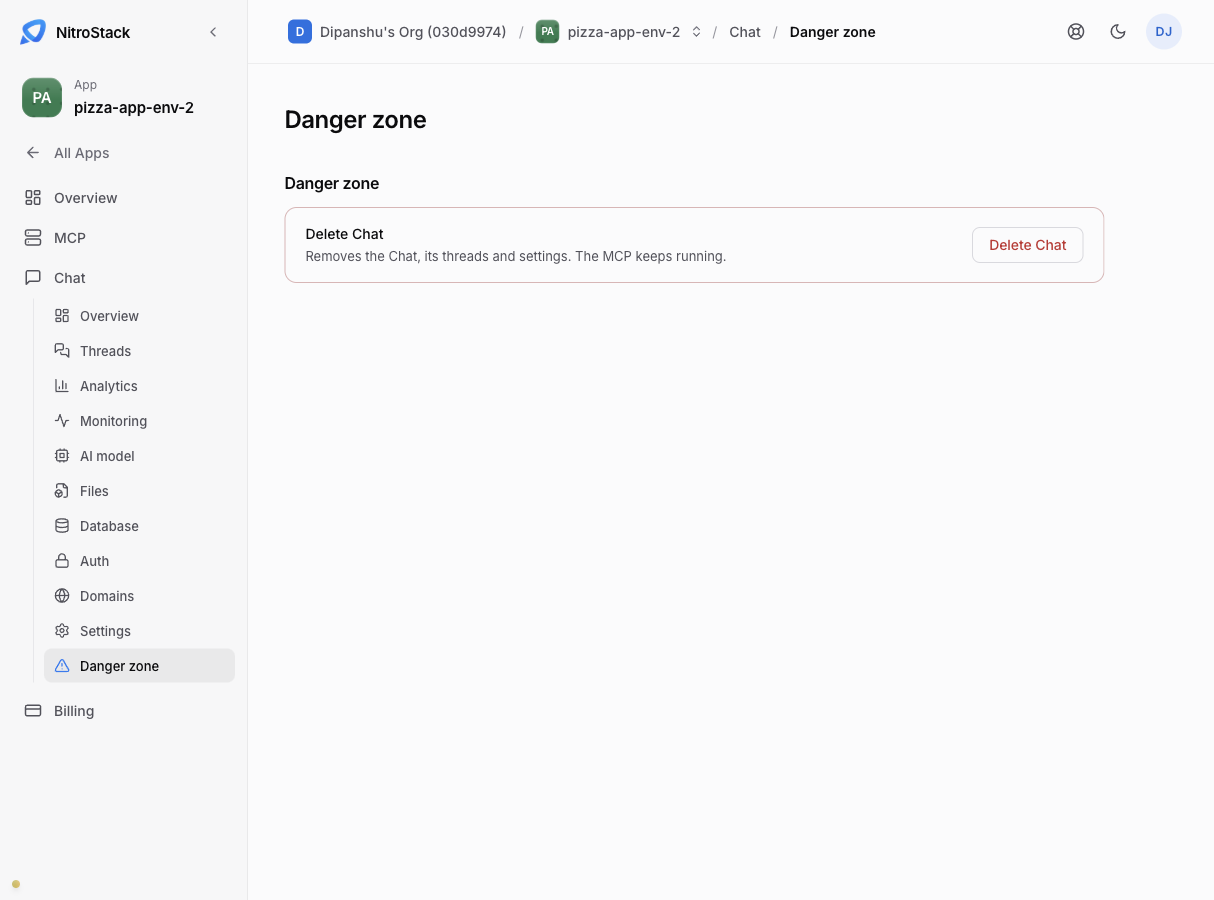
Deleting the chat removes it with its threads and its settings. Your MCP server isn't touched and keeps running.
Confirm in the dialog. You can't undo it, so if you only want to change how the chat looks or behaves, use Settings instead.
Only the chat's owners can delete it; admins can't.