
AppsNitroStack Chat
Files
Let people share images and documents in the chat
Files, in the Chat menu, controls whether people can upload images and documents in their conversations. It's off by default, and only owners and admins can change it.
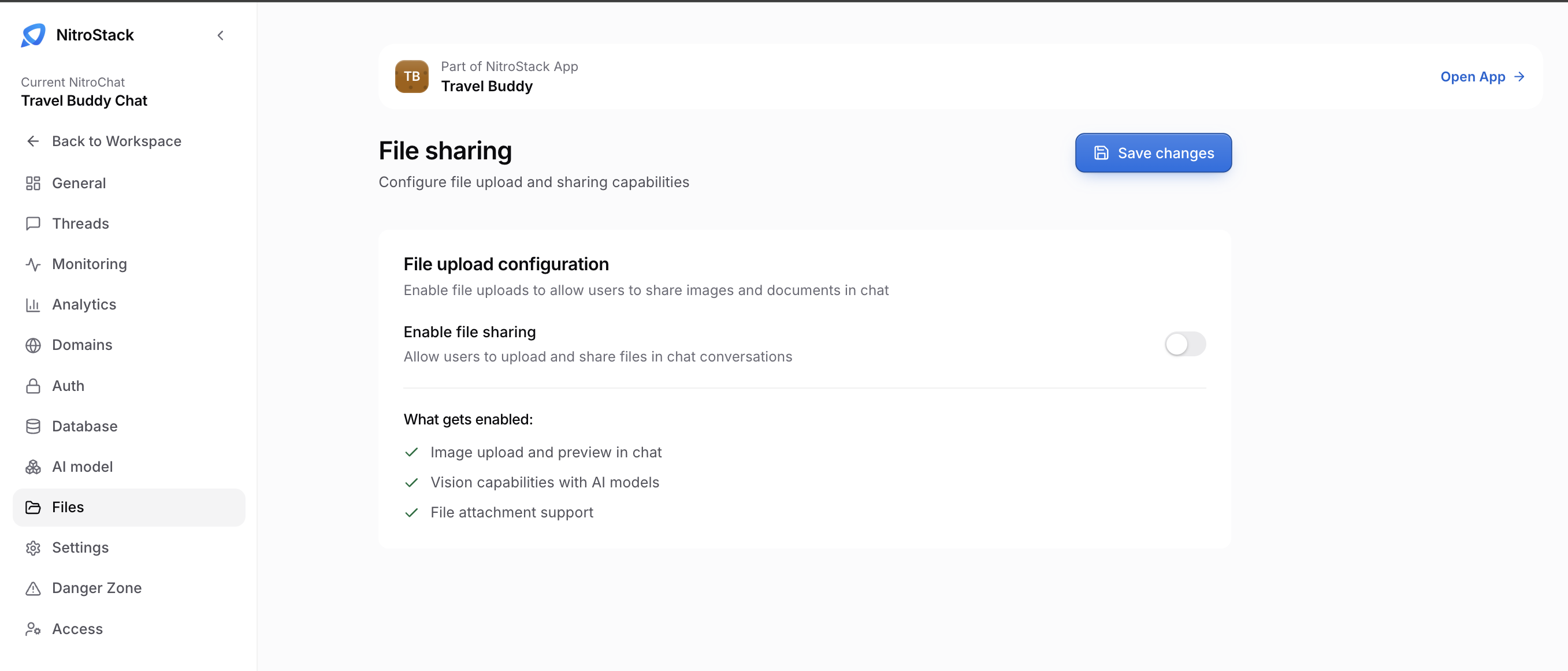
Turn on file sharing
Under File upload configuration, turn on Enable file sharing, then click Save changes. That enables three things:
- Image upload and preview in chat. People can attach an image and see it in the conversation.
- Vision capabilities with AI models. Models that support images can read what's in them.
- File attachment support. People can attach documents as well as images.
Whether a model can read an image depends on the model; choose one that supports vision on AI model.
Turning file sharing off hides the attachment button in the chat. Files that people have already sent aren't deleted.
This is the same file-upload capability that the Features tab in Settings refers to; it's switched on here.