
Authentication
Credentials for servers that require sign-in, kept per project on your machine.
Some MCP servers only answer callers who prove who they are, with a JWT, an API key, or an OAuth 2.1 sign-in. The Authentication page stores those credentials for each project, so Studio can connect and call tools the way an authorized client would.
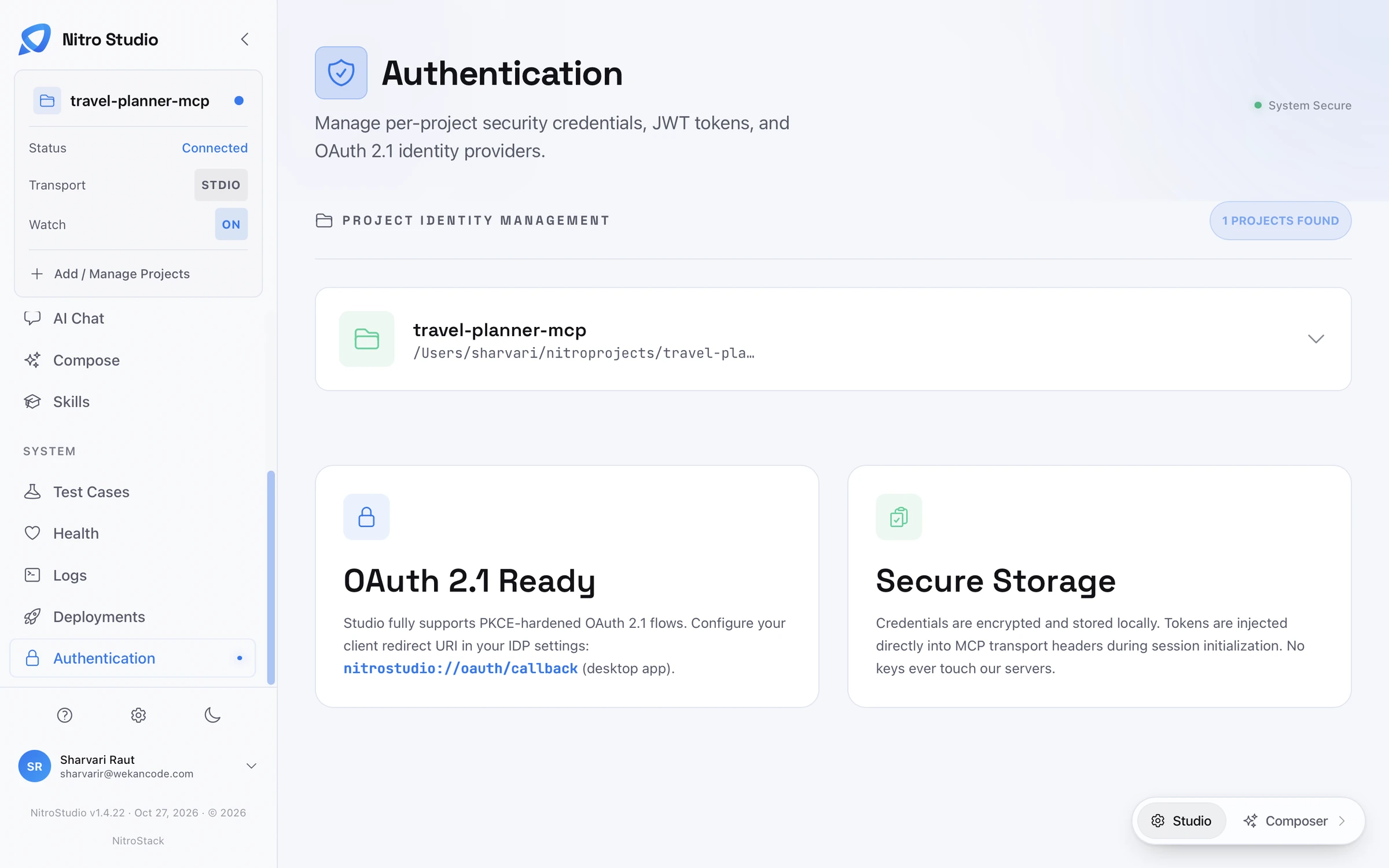
Add credentials to a project
Under Project Identity Management, every connected project has a row. Expand a project to set its credentials: a JWT token, an API key, or an OAuth 2.1 identity provider. Studio sends them with every request to that project's server.
OAuth 2.1
Studio supports OAuth 2.1 with PKCE, including dynamic client registration for servers that allow it. When you sign in, your identity provider sends you back to Studio through a deep link. Register this redirect URI in your identity provider's settings:
nitrostudio://oauth/callbackWhere credentials are kept
Credentials are encrypted and stored on your machine. Studio adds them to the transport's headers when it opens a session with the server, and they're never sent to NitroStack's servers.