
Prompts
Fill in a prompt's arguments and see the messages it produces.
Prompts are reusable instructions your server offers to the user, such as a booking checklist or a debugging routine. A client usually shows them in a menu, and the user picks one. The Prompts page lets you run each one and read exactly what it would send to the model.
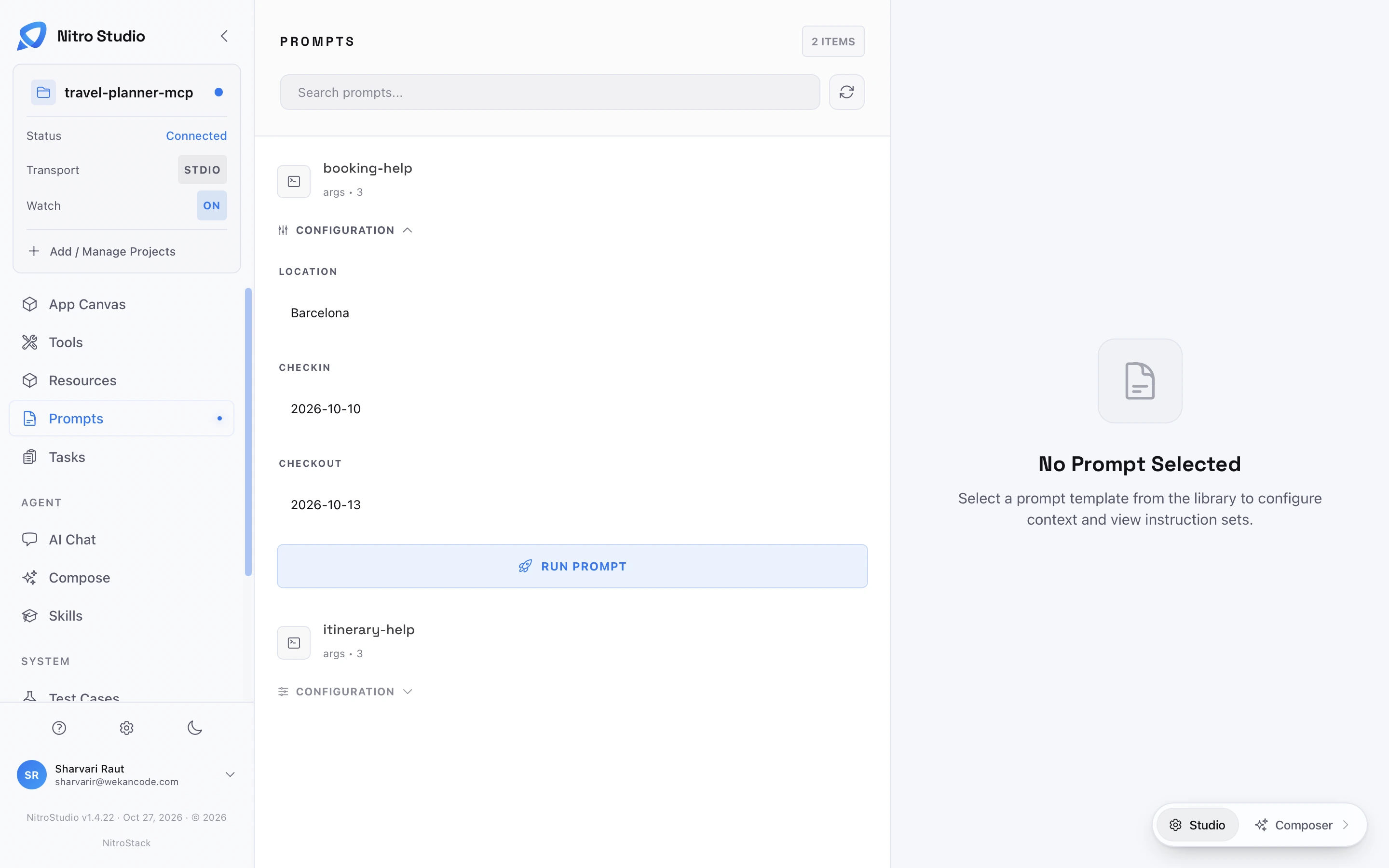
Run a prompt
The list shows each prompt's name and its number of arguments, and search filters it. Select a prompt and its Configuration section opens in place, with one field for each argument, here location, checkIn, and checkOut. Fill them in, then choose Run Prompt.
The result opens on the right under Execution Results, with a Copy button. Studio shows the messages the prompt returns: the text, with your arguments filled in, that a client would place in the conversation. Read it the way the model will. If an instruction is ambiguous here, it will be ambiguous in chat.
If the prompt fails, the error appears in the result pane instead of messages. For example, Invalid prompt message role: 'undefined'. Must be 'user', 'assistant', or 'system' means a message the prompt returned has no role set. Fix it in the prompt's code, save, and run it again.