
Skills
Step-by-step instructions that guide the model through your workflows.
A skill is a set of instructions, written in Markdown, that tells the model how to carry out a particular job with your tools: which tools to use, in which order, and what to check along the way. Without one, the model works out a multi-step workflow on its own each time. With one, it follows the same steps every time.
For example, a booking skill might say: search for hotels first, confirm the dates with the user, then book, and never book without a hotel ID from the search.
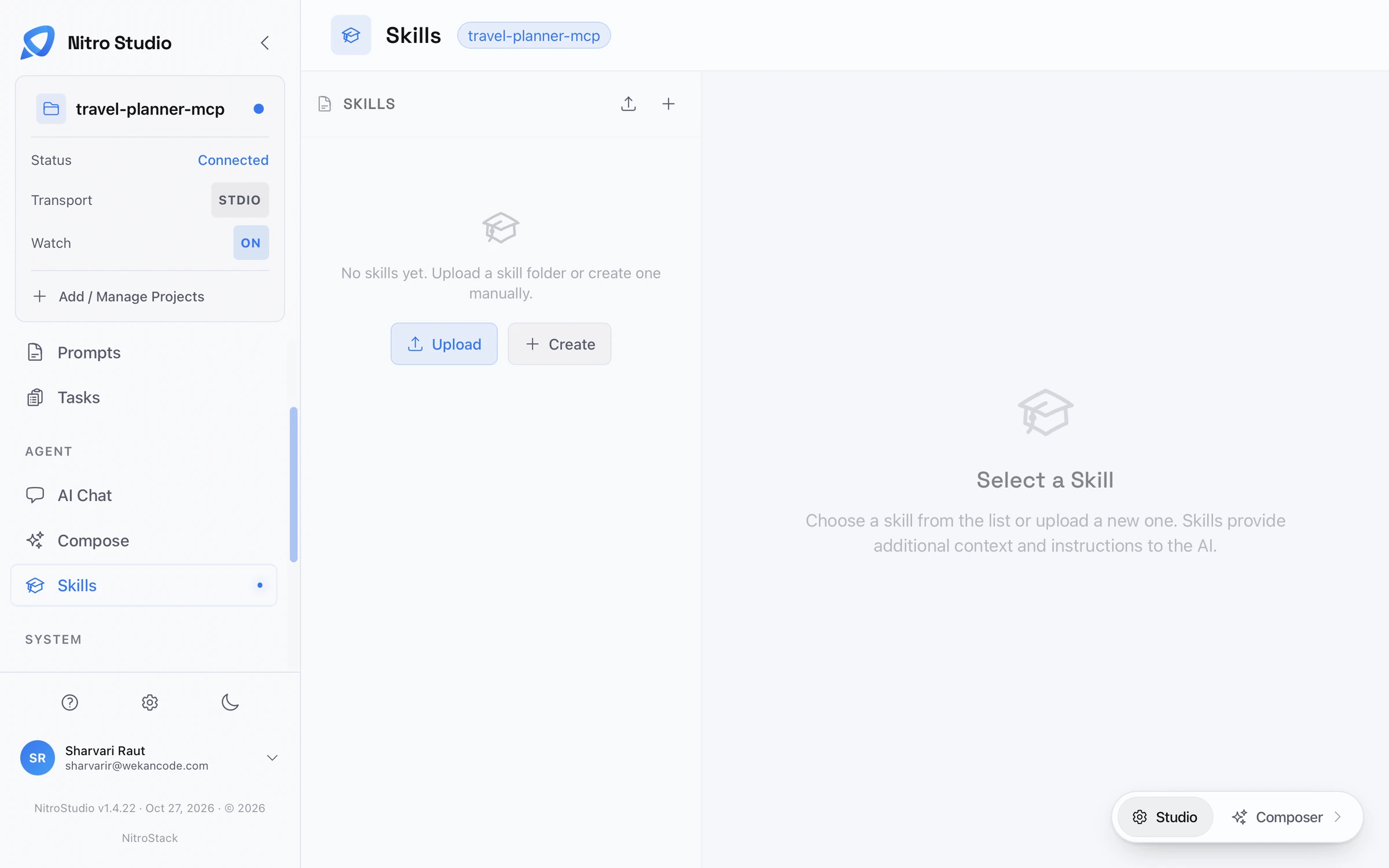
Add a skill
Skills belong to a project. On the Skills page, choose Upload to add an existing skill folder, or Create to write a new one in Studio. Select a skill in the list to read or edit it.
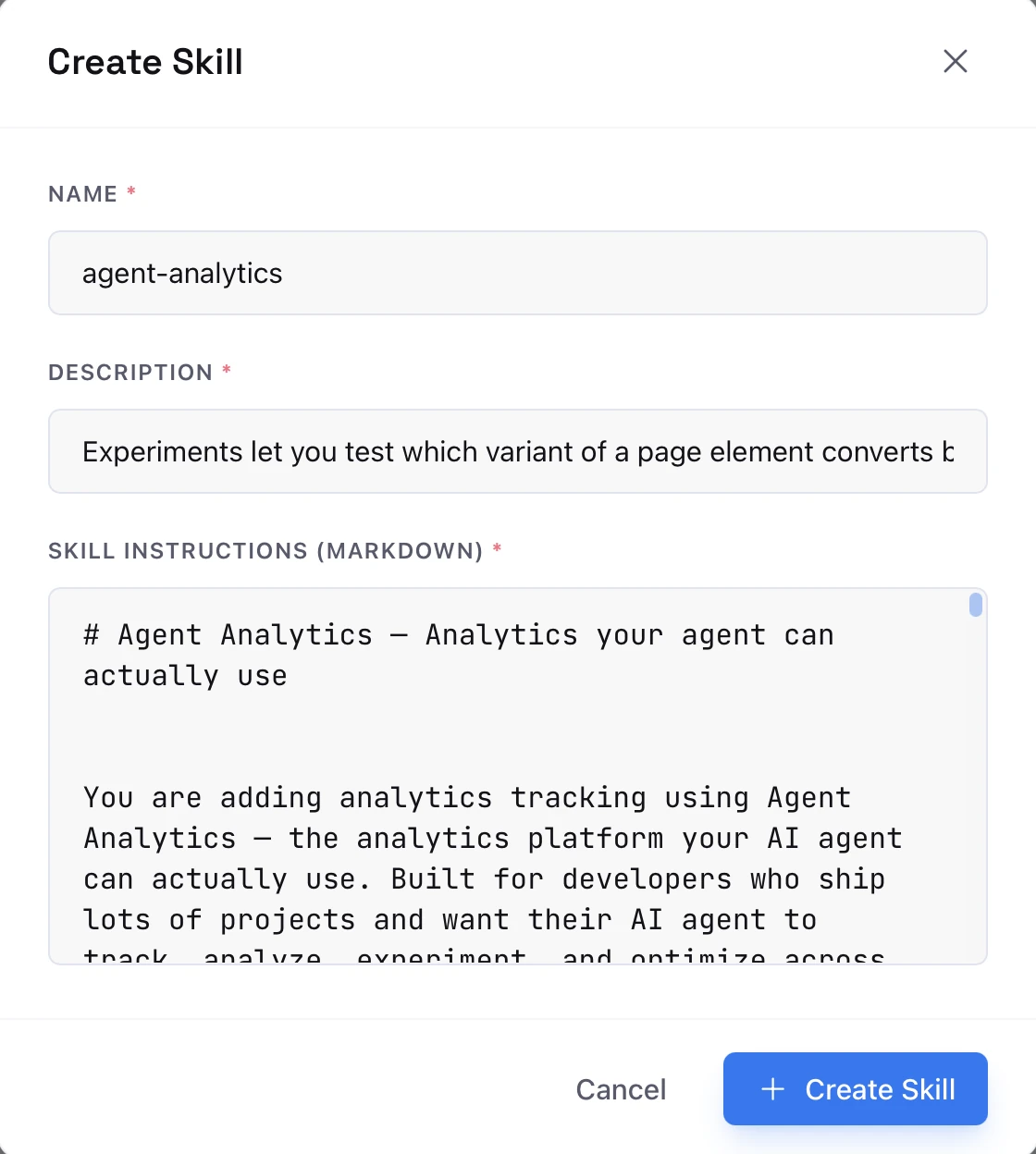
A good skill is short and specific. Name the tools it uses exactly as they're registered, and state the order and the conditions in plain sentences. The model reads every word, so leave out anything that isn't an instruction.
Use a skill
The AI Chat model uses a project's skills when a request matches what they describe. In Compose, you can also point the agent at one directly by typing @ and the skill's name.